How to sign up for Coinbase
This guide walks you through signing up on Coinbase, a leading U.S. cryptocurrency exchange.
It covers account creation, KYC identity verification, proof of address, and the knowledge test, step by step.
01Getting started
Coinbase is a cryptocurrency exchange with a simple, straightforward interface. After you create an account, identity checks and extra verification steps may still be required.
Before you begin, have the documents ready for identity verification and proof of address.
What to prepare
- ID document: passport
- Proof of address: a credit card statement from the last 3 months, a residence certificate, or another accepted document
- An email address and a mobile phone in your name
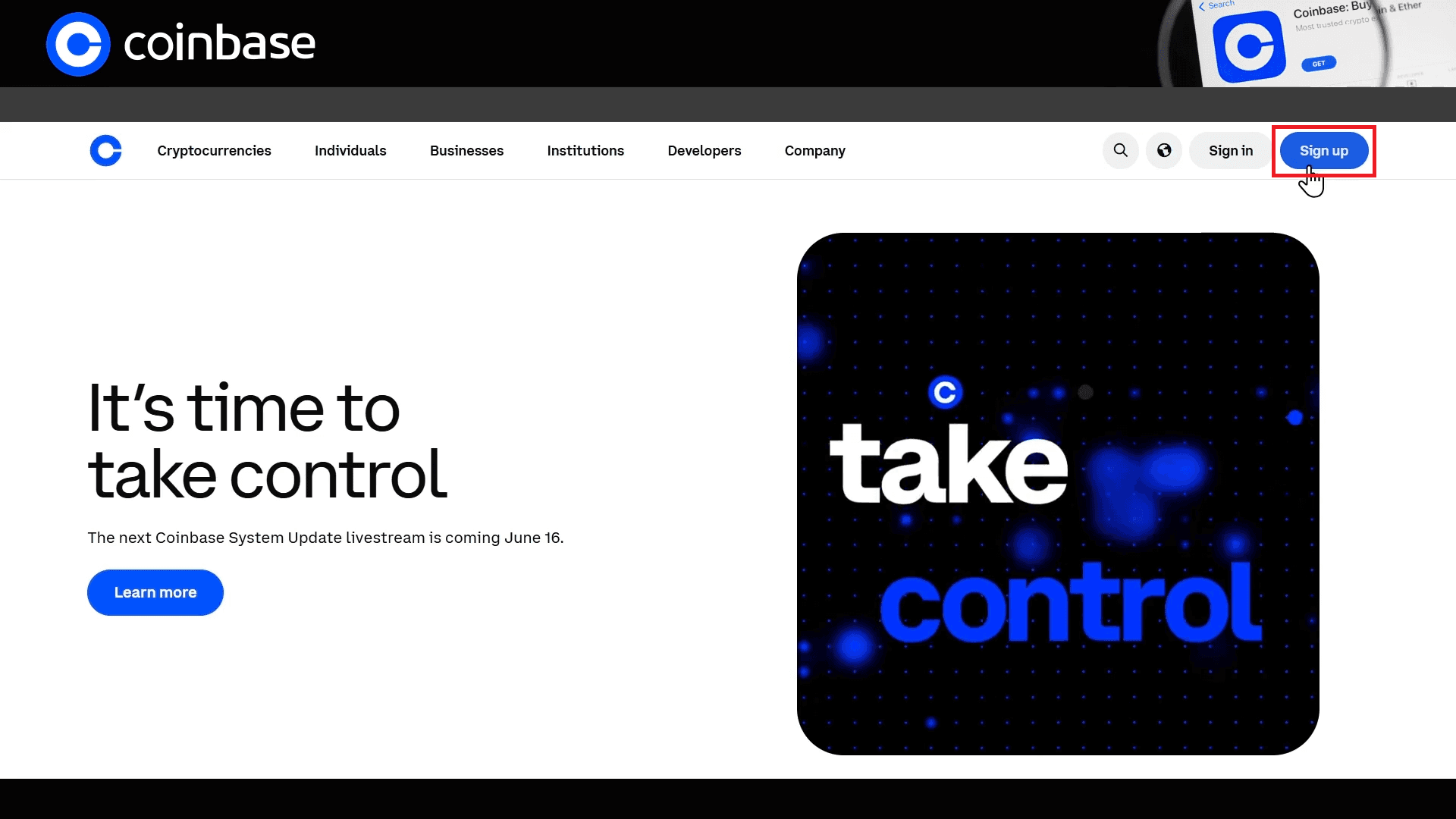
When you are ready, visit the official Coinbase website to start signing up.
The official site is www.coinbase.com. Double-check the address bar and watch out for phishing sites.
02Create an account
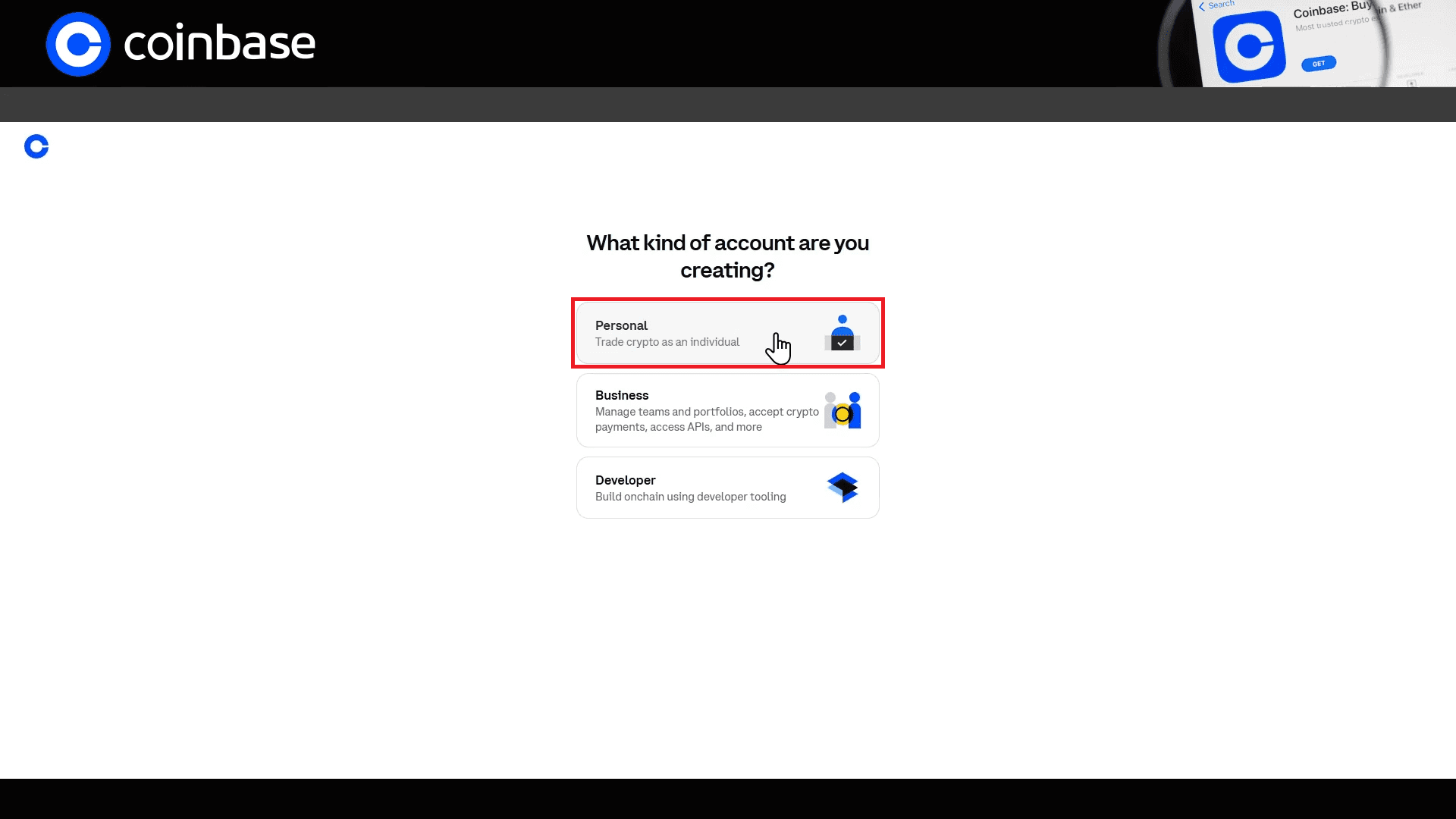
On the Coinbase homepage, click Sign Up, then select Personal for an individual account.
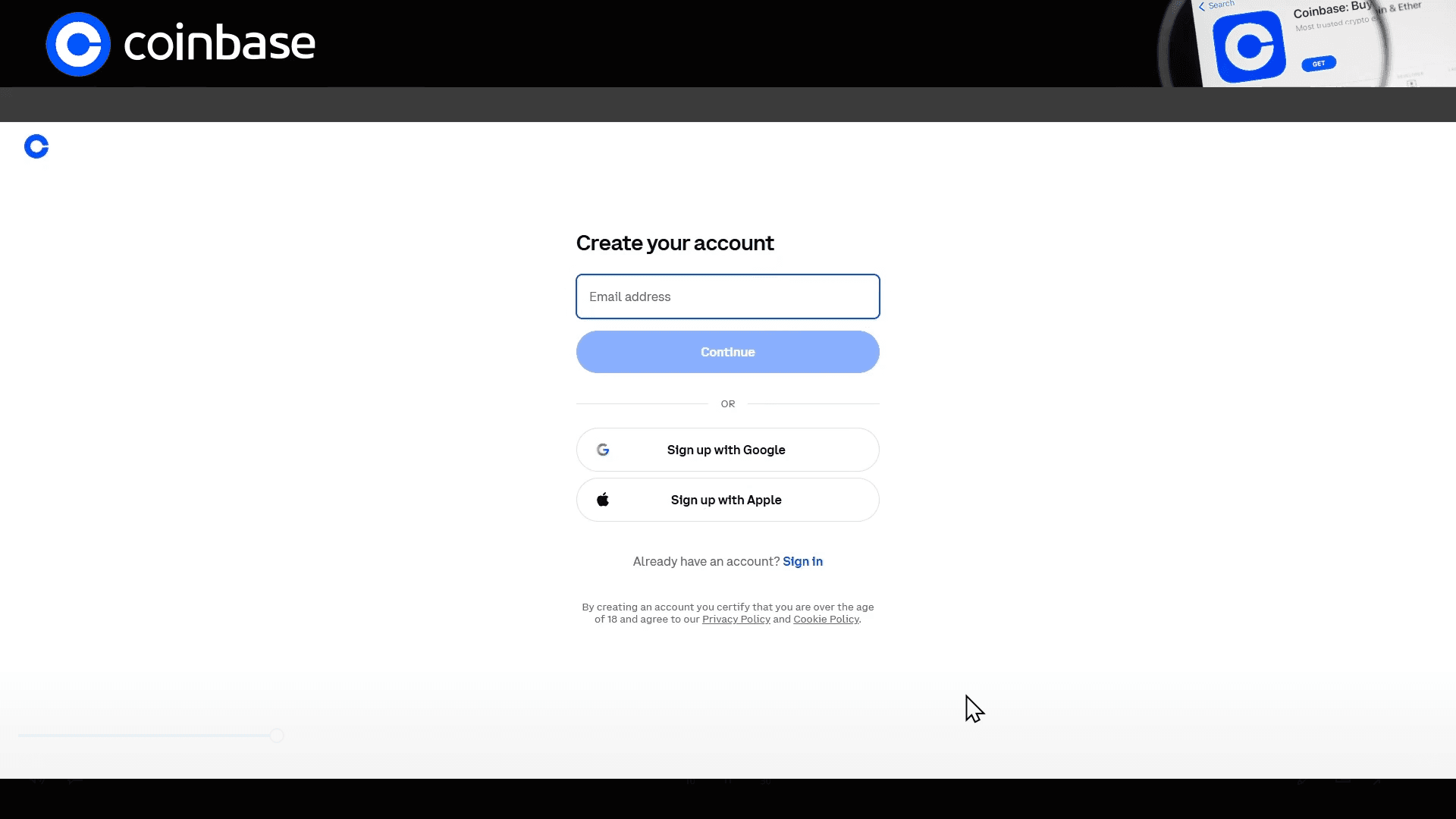
Enter the email address you want to use. You can also sign up with Google or Apple.
Enter the 6-digit code sent to your email.
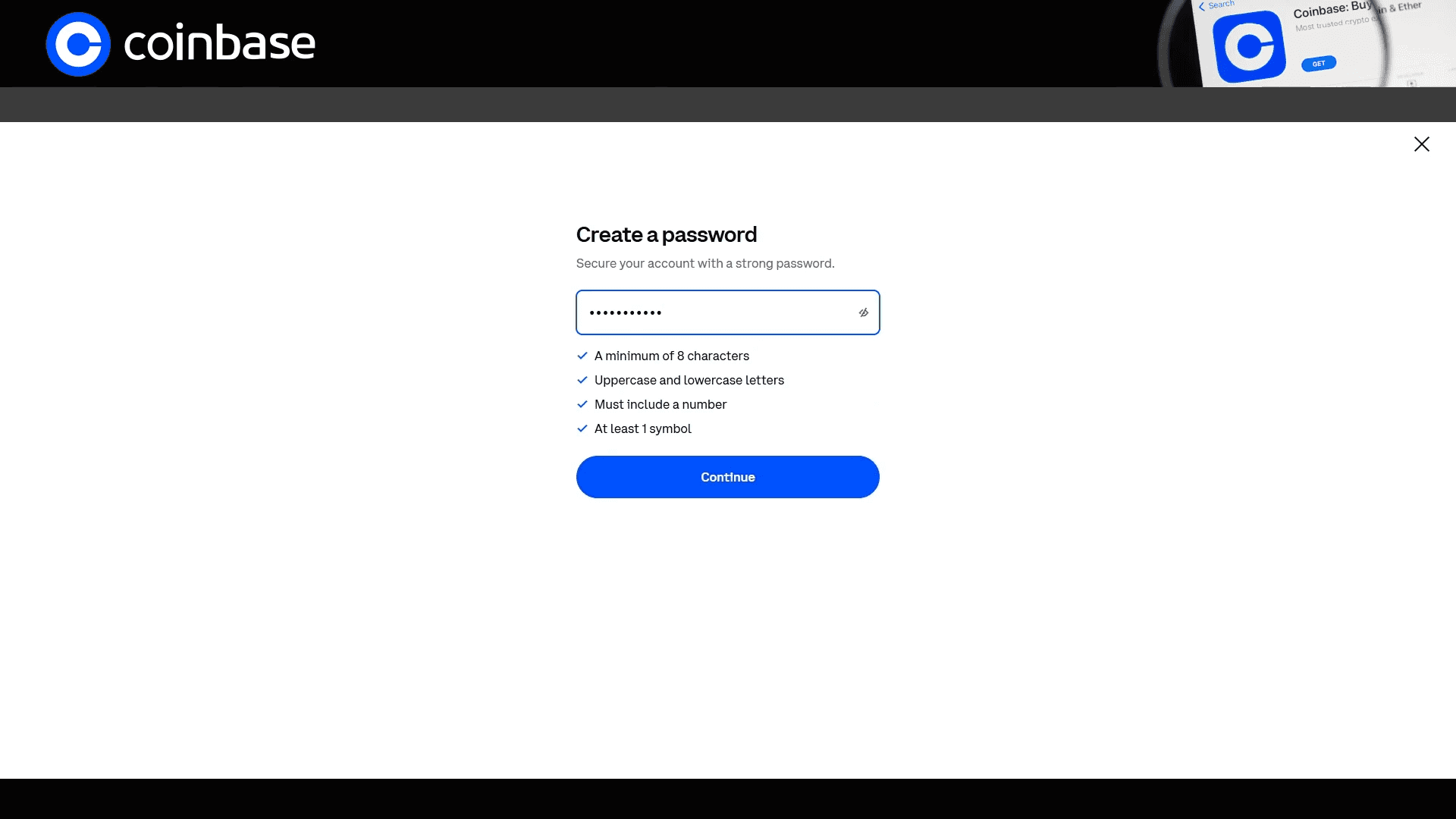
Now set a password.
The password must be at least 8 characters and include an uppercase letter, a number, and a special character. You can move on only after the on-screen security requirements are met.
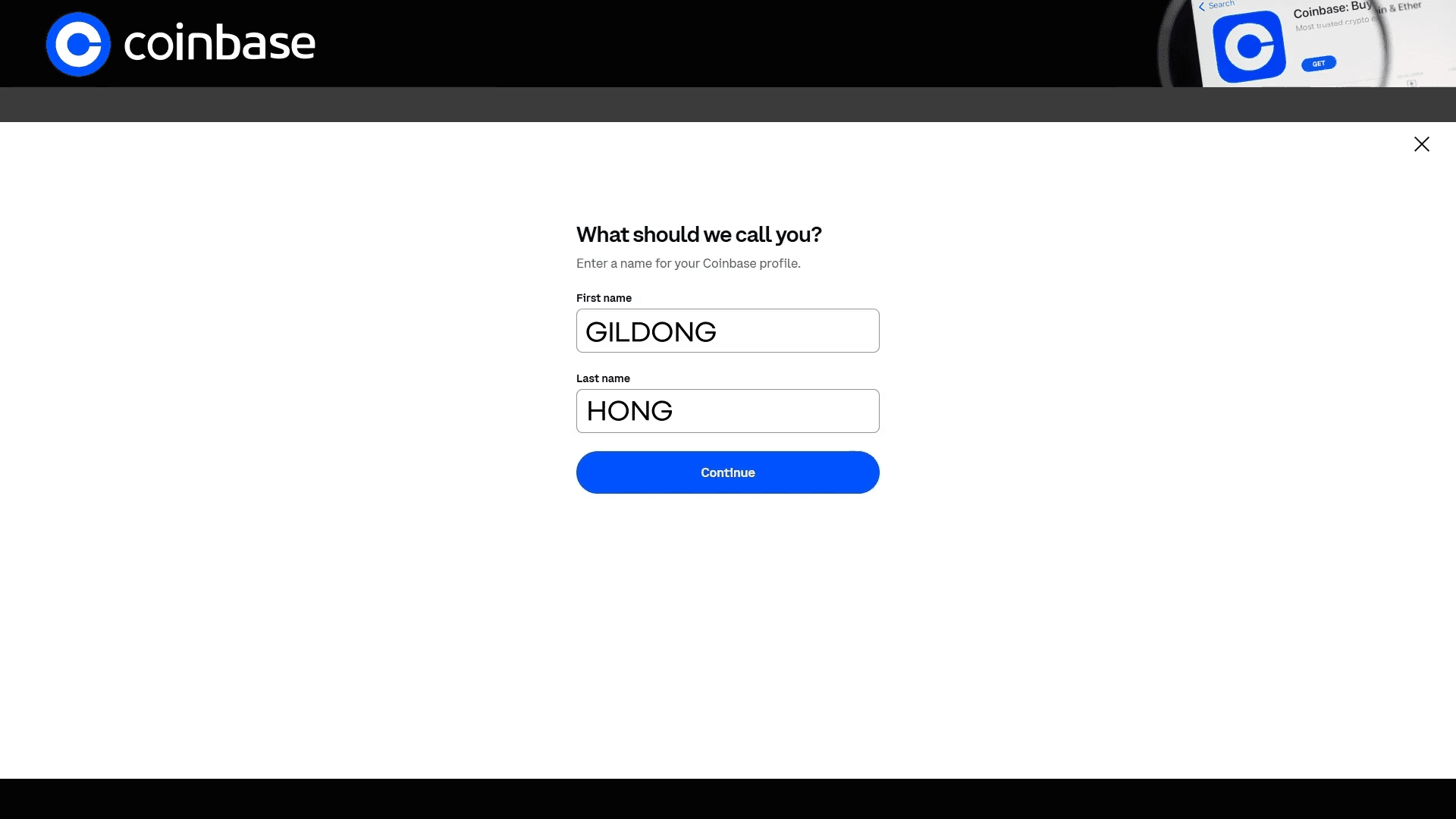
Next, enter your name. Use the same spelling as the English name on your passport.
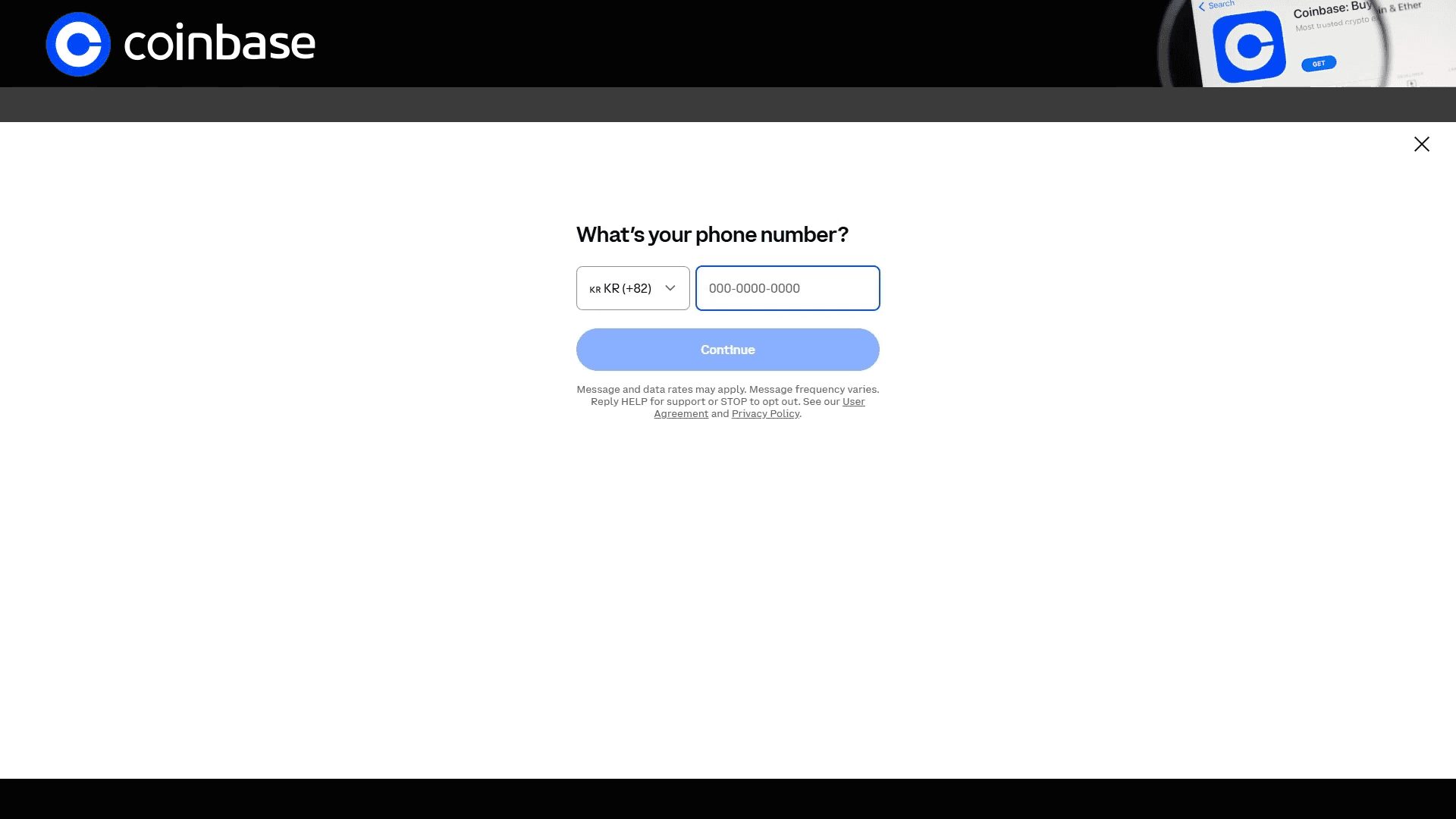
Enter your mobile number and the 6-digit code sent to your phone to finish basic account creation.
03KYC identity verification
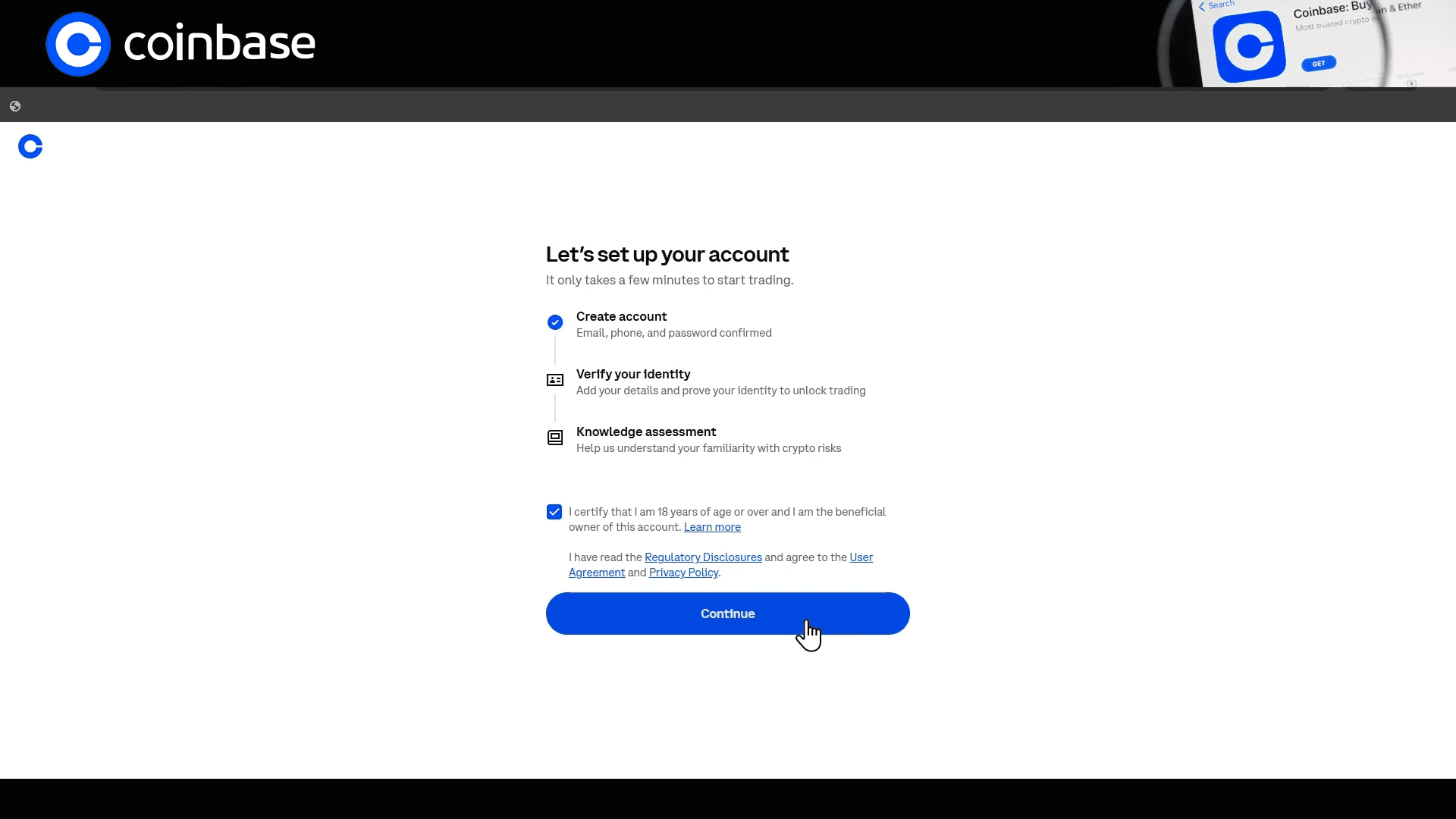
Once the account is created, Coinbase runs KYC (Know Your Customer) verification. First confirm that you are 18 or older.
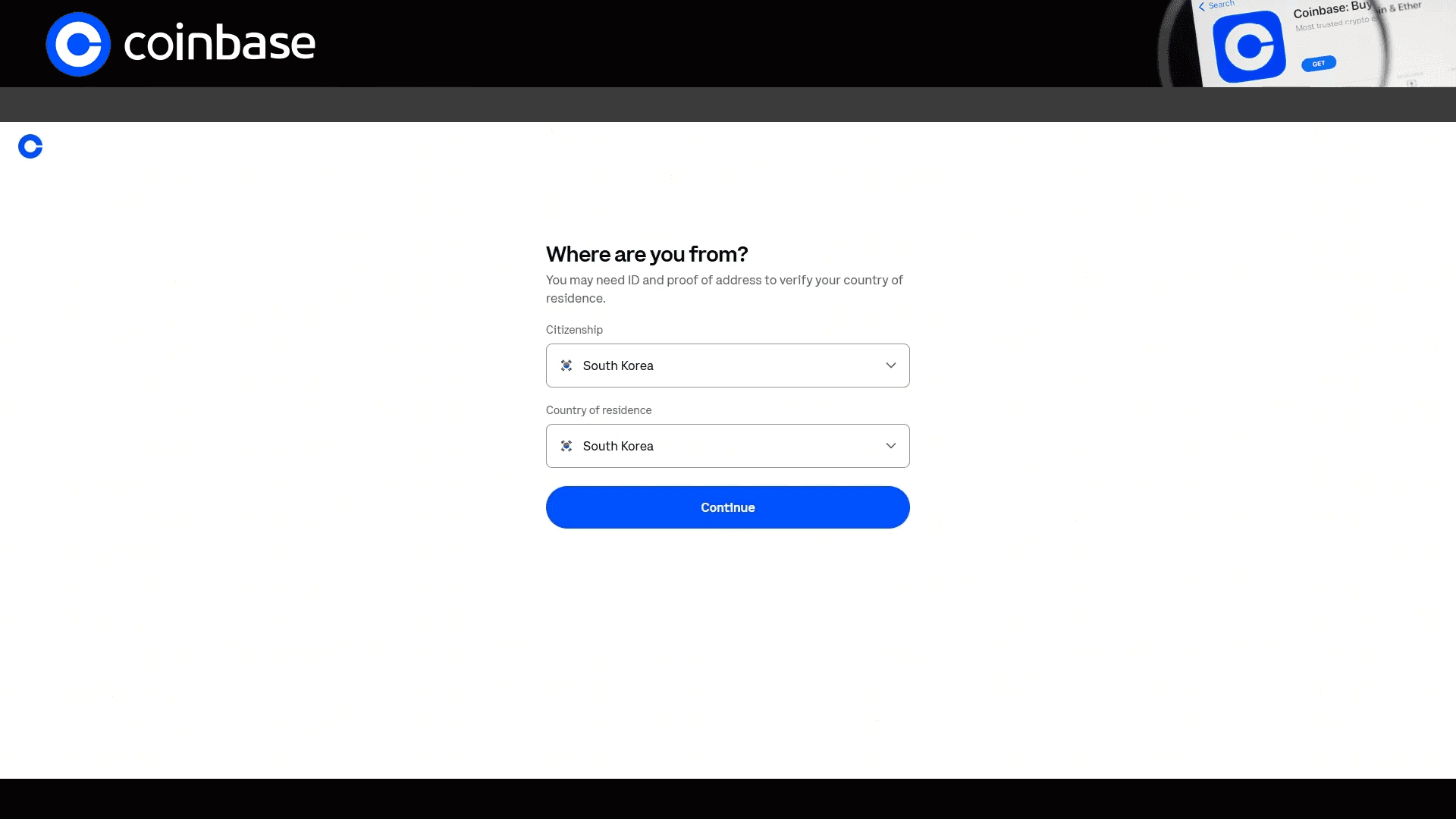
Select the country on your ID and your actual country of residence.
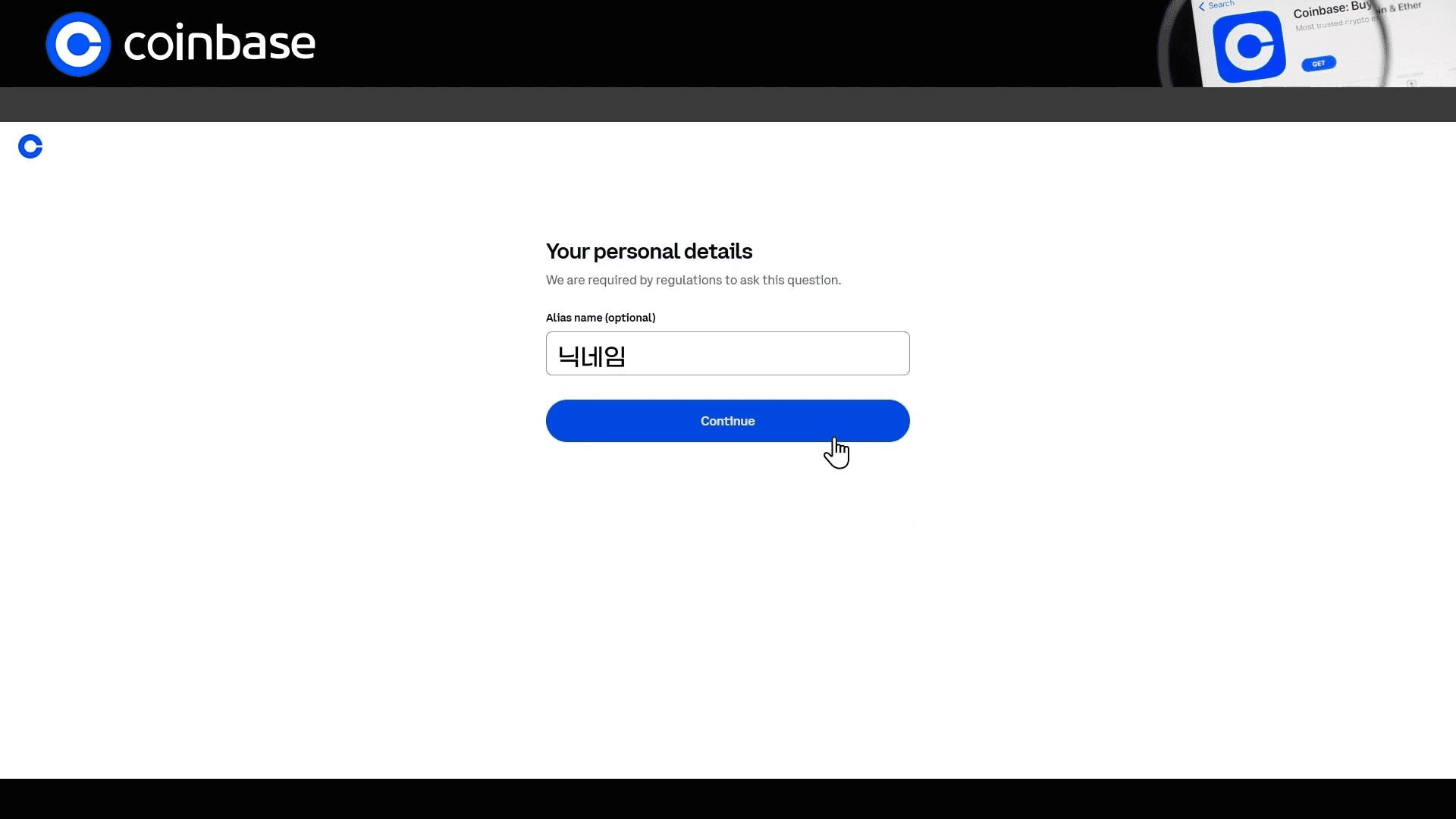
Set a username, then continue.
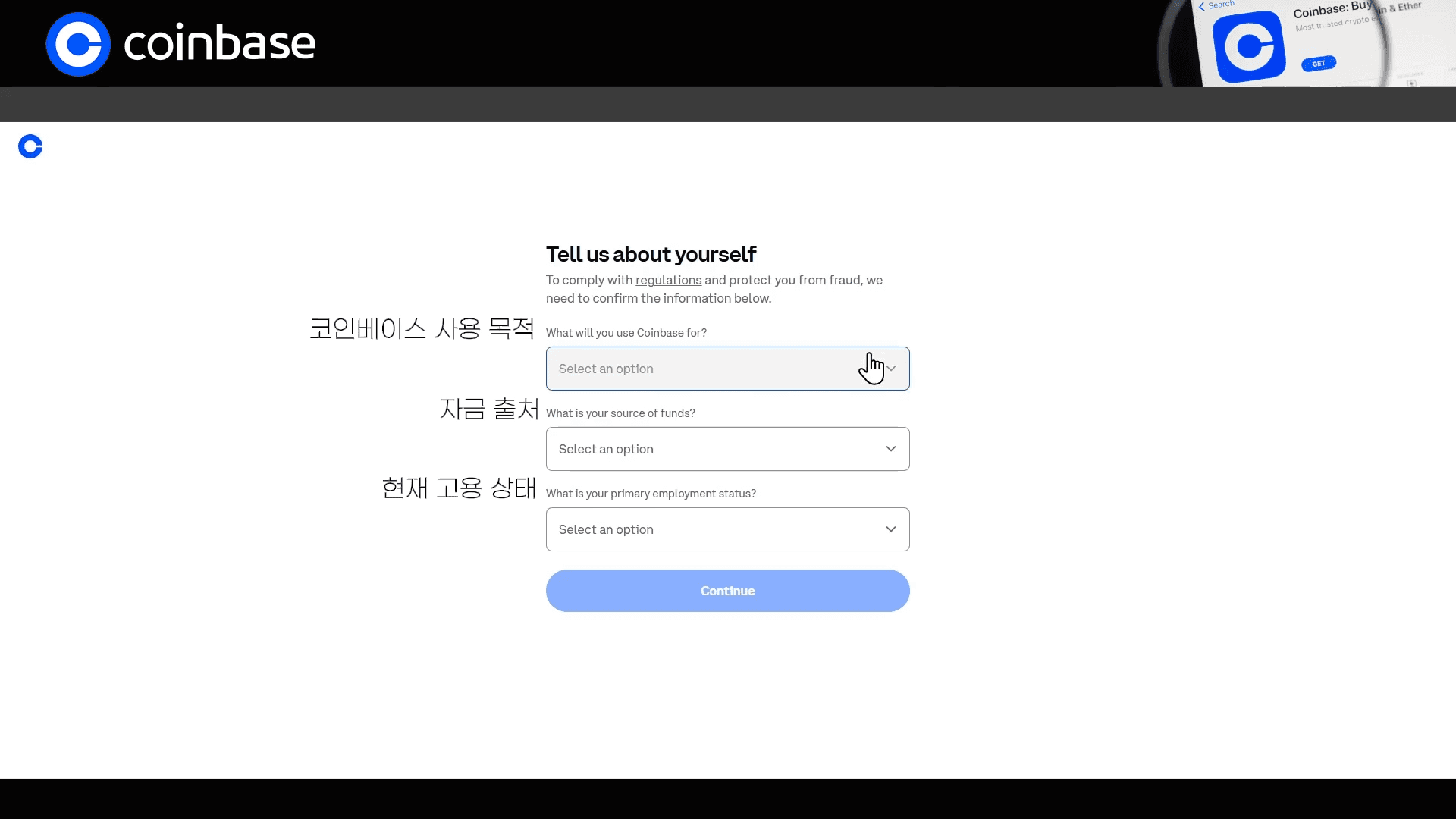
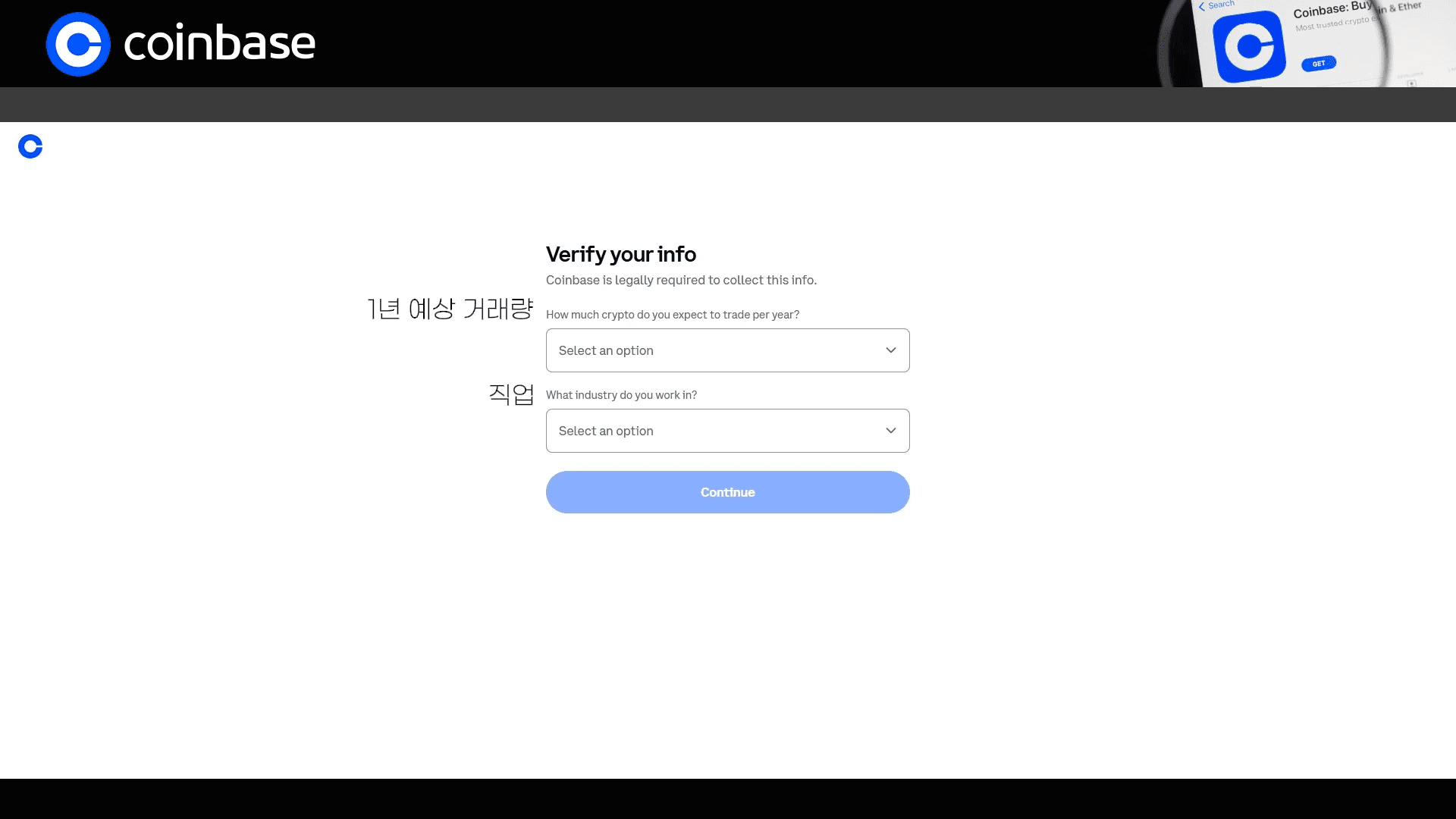
Next, answer a few questions about why you will use Coinbase, your source of funds, employment status, and expected trading volume.
Choose answers that match your actual situation.
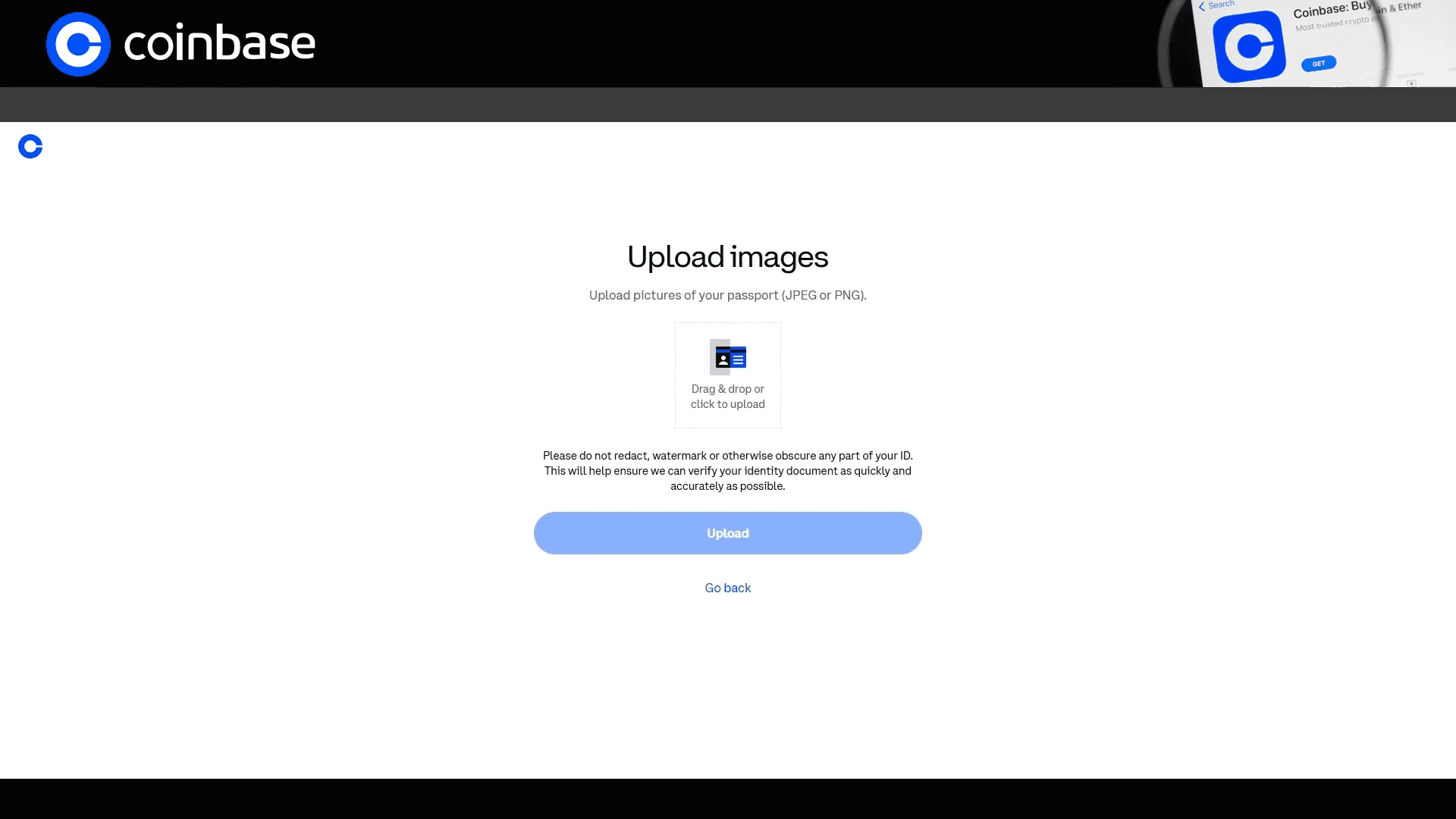
Now complete ID verification.
The sign-up flow shown in the video uses a passport. On a computer, you can upload a photo of your passport.
After you submit the document, a review begins. You can continue to the next step when that review is complete.
04Address verification
After ID verification, you will complete proof of address.
Prepare and upload a document that shows your name and your current residential address together.
Bank or credit card statements, utility bills, and government-issued documents are commonly accepted.
The video shows how to submit a Korean residence certificate. Whether a document is accepted can depend on your country of residence and the prompts for your account.
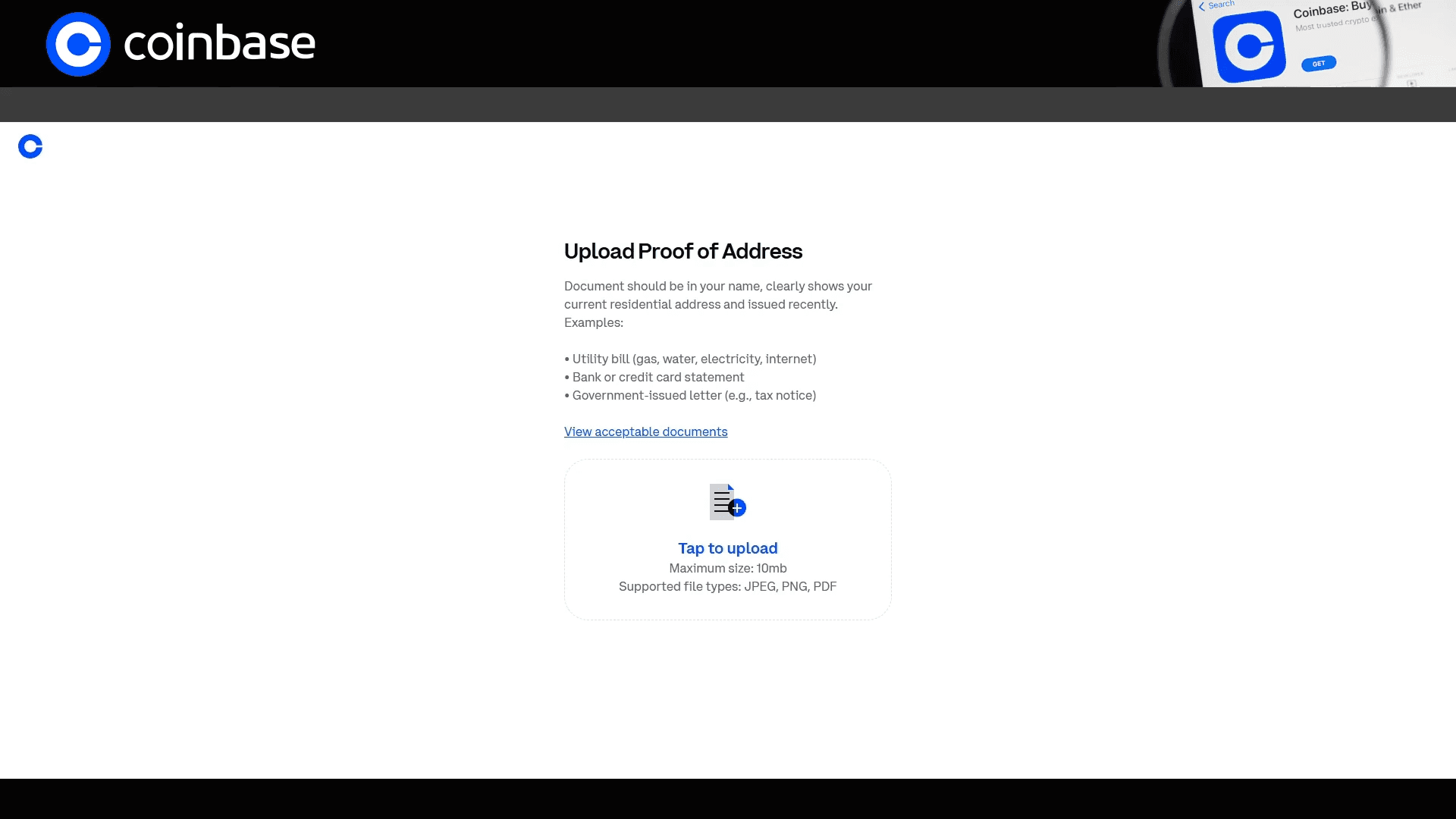
When the document review is done, answer extra questions such as whether you are a public official. Choose the options that apply to you.
05Knowledge test
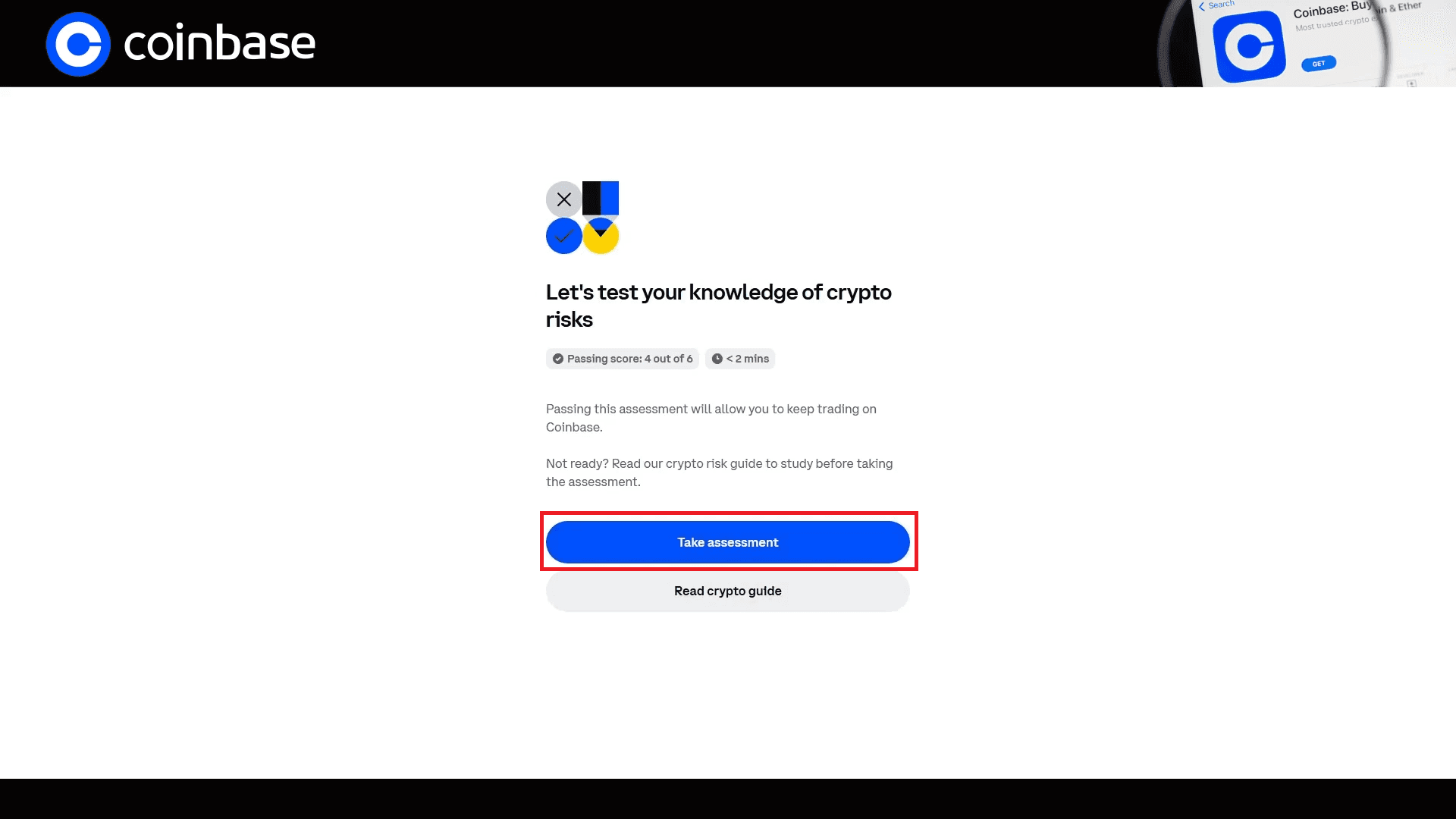
During sign-up, a knowledge test about cryptocurrency may appear.
The test in the video has 6 questions, and you pass by answering at least 4 correctly.
Read each question and choose the best answer.
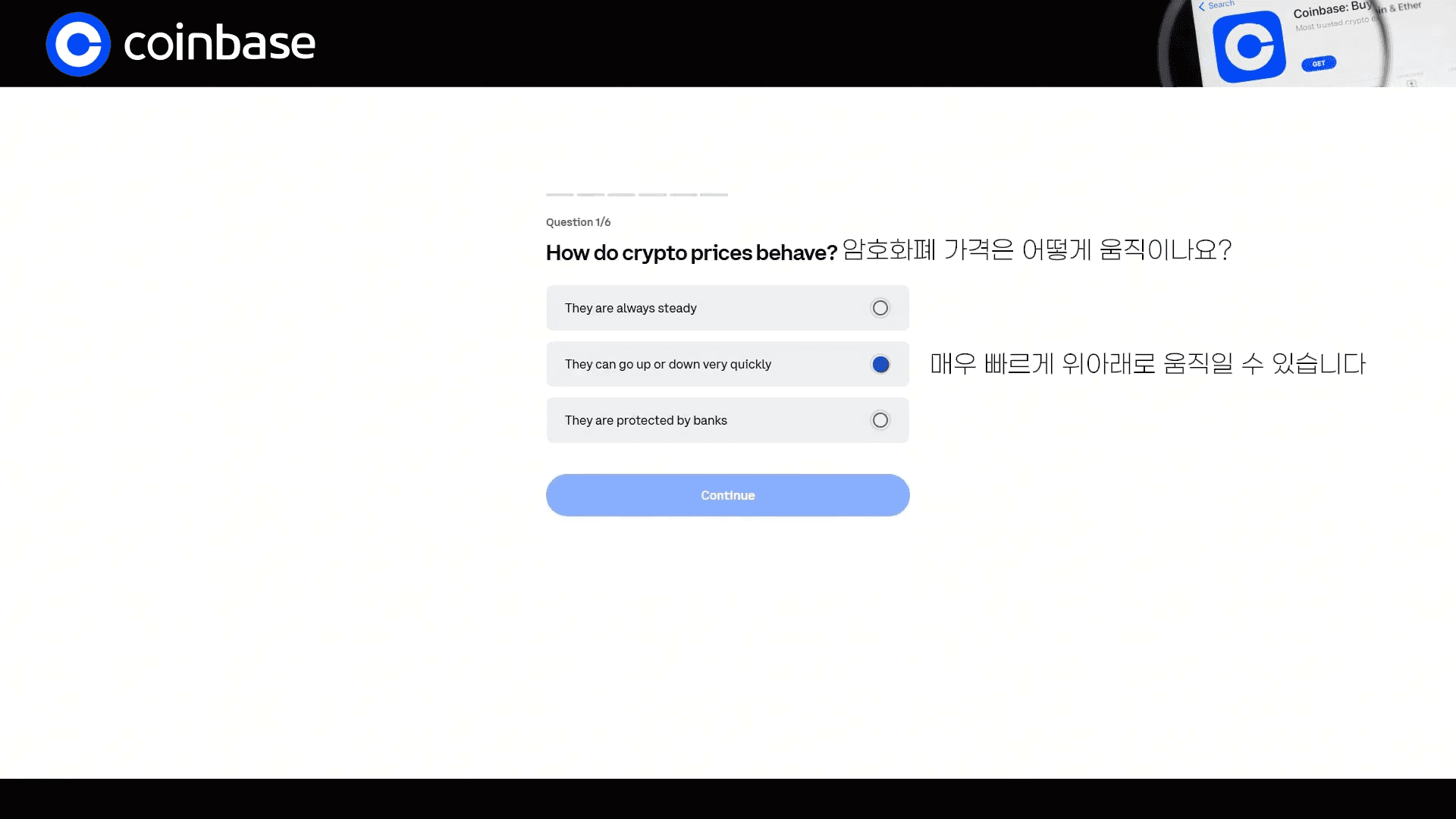
Question 1 · 1 / 6
If you do not pass, you can usually try again according to the on-screen conditions.
06Sign-up complete
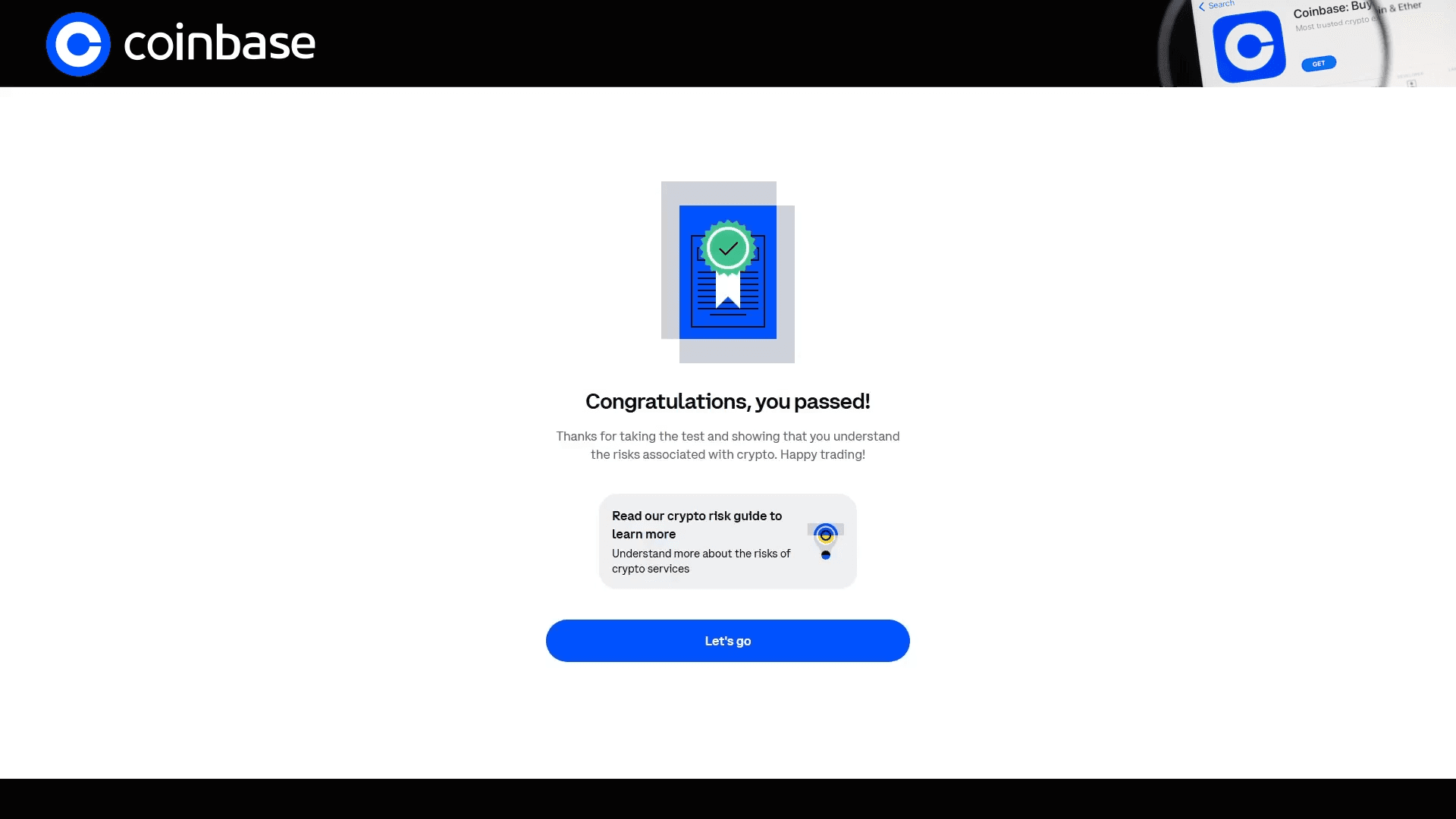
Once you pass the final knowledge test, Coinbase sign-up is complete.
Coinbase still requires extra checks such as KYC and proof of address after the account is created. That can feel unfamiliar at first, but following each on-screen step is usually enough to get through it.
After you are done, confirm that you can log in, and also turn on two-factor authentication and other security settings.